Splitting a transaction in Uncat
Written By Brandon Bruce
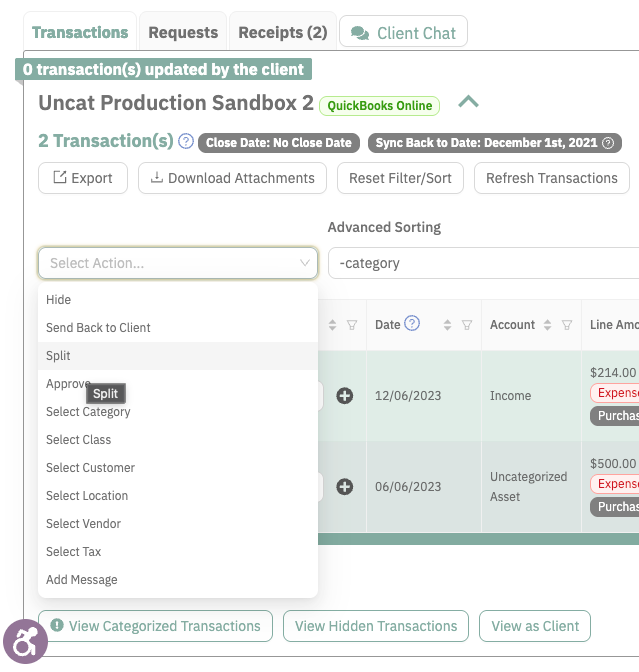
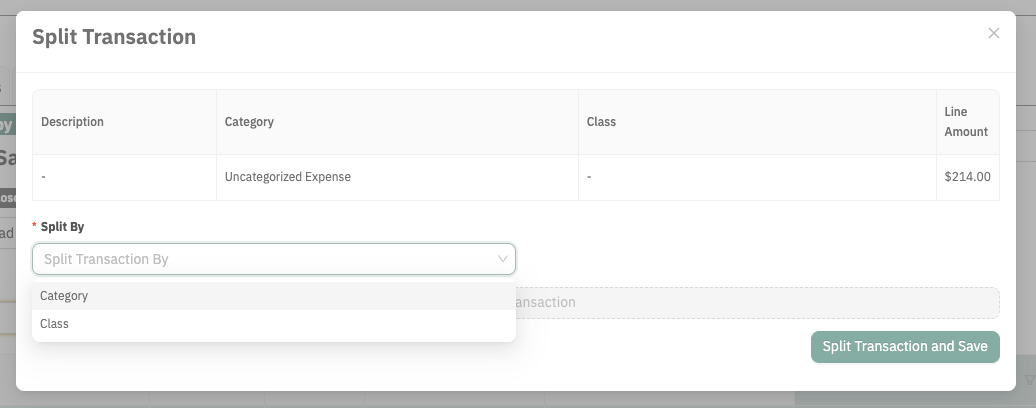
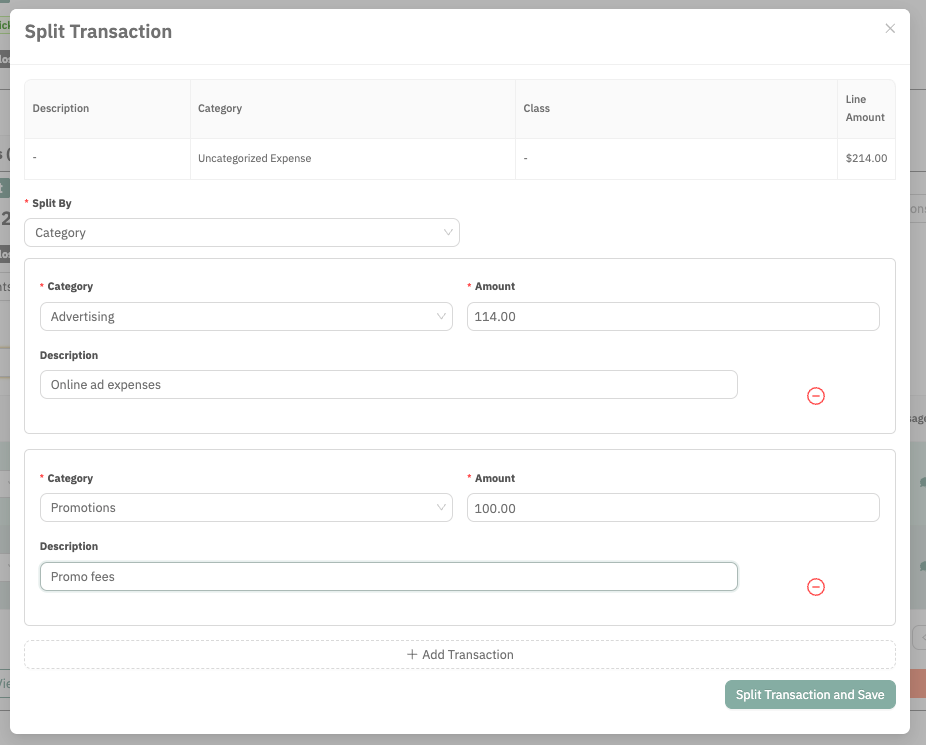
To split a transaction in Uncat, simply select it by checking the box on the left side of the transaction row, and then select Split from the Action menu the top left of the dashboard. You can then choose to split the transaction by Category or Class.
Splitting transactions is currently only support for QuickBooks Online clients.
Was this helpful?
Still need help? Ask the team